Free AI Talking Video Trimmer
Remove dead air, quiet gaps, and slow moments from talking videos - directly in your browser.
No signup. No credits. No upload.
Works best on desktop Chrome • Files under 200 MB • Browser-local processing
Built for spoken videos, not generic footage
TalkTrim is designed specifically for videos with clear human speech.
Good for:
- Podcasts
- Vlogs
- Talking-head videos
- Interviews
- Course videos
- YouTube explainers
- Screen recordings with voiceover
Not ideal for:
- Music videos
- Montages
- Cinematic footage
- Silent B-roll
- Videos without speech
- Generic visual-only clips
What it does
How it works
Choose a talking video
Pick a spoken video from your computer. It stays in your browser.
TalkTrim detects quiet gaps
It analyzes volume drops, dead air, and low-energy pacing automatically.
One click trims the slow parts
Quiet gaps and awkward pauses are tightened without a complex editor.
Download your trimmed video
Export the result directly from your browser - no account required.
Try TalkTrim free
Trim dead air and quiet gaps locally in your browser. No signup, no credits, no upload.
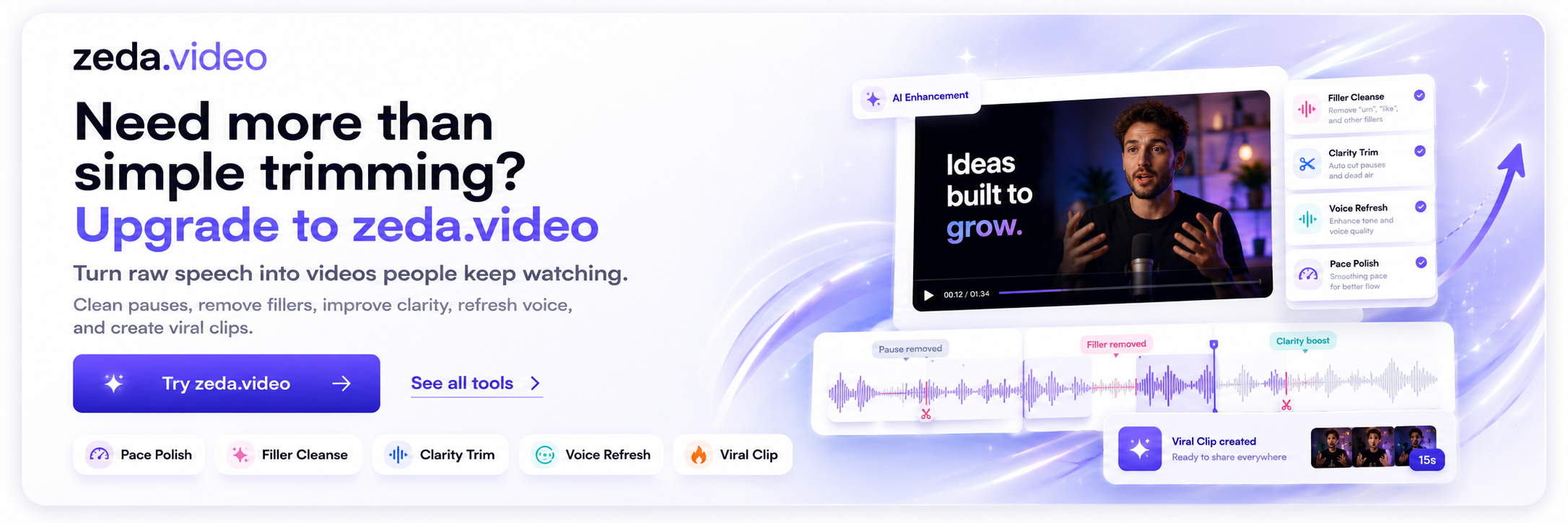
Need faster AI video processing? Try zeda.video ->
Frequently asked questions
Do I need to sign in to use TalkTrim?▼
No. TalkTrim is free to use with no signup, no credits, and no login requirement.
Is TalkTrim free?▼
Yes. TalkTrim is free and runs in your browser.
Does my video upload to a server?▼
No. TalkTrim trims videos browser-locally, so your file stays on your device.
What video size is supported?▼
The free browser-local trimmer supports files under 200 MB.
Which browser works best?▼
Desktop Chrome is recommended for the best trimming performance.
Can TalkTrim remove dead air automatically?▼
Yes. TalkTrim automatically detects dead air, quiet gaps, and low-volume pauses, then trims them.
Can I use it for podcast or talking-head videos?▼
Yes. TalkTrim is built for spoken videos including podcasts, interviews, and talking-head content.